How To: These files can't be opened. Your Internet security…… + Windows 7 Troubleshooting Guide

Windows 7 Error: “These files can't be opened. Your Internet security settings prevented one or more files from being opened”

Today when I was trying to open a exe file that error came up showing the warning:
These files can't be opened. Your Internet security settings prevented one or more files from being opened
Here is the simple solution worked for me:
- Right click on the file for which warning is coming and open properties
- Click on Unblock button and click Apply
- Now open the file, you will not see the warning
Unblock button
In my opinion  this is very feature of Windows 7 which prevent us accidently opening harmful files and programs.
Comments

Popular posts from this blog

HPONCFG GUI Utility / Tool Download Links - x32 & x64 bit versions, 2003 & 2008 Windows Versions

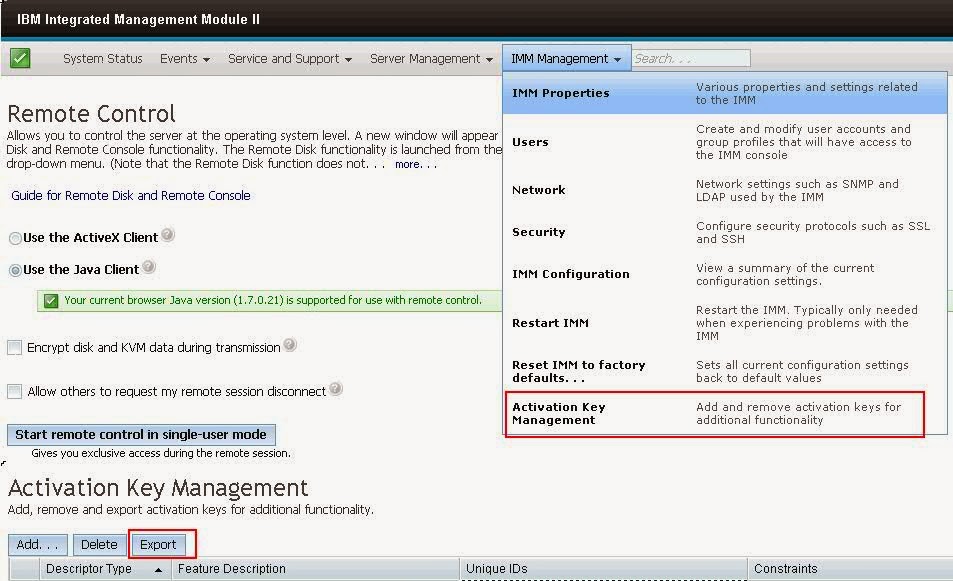
IBM x3650 M4 Series Server Model - Activation Keys Backup to be taken for IMM Moduel II, why?

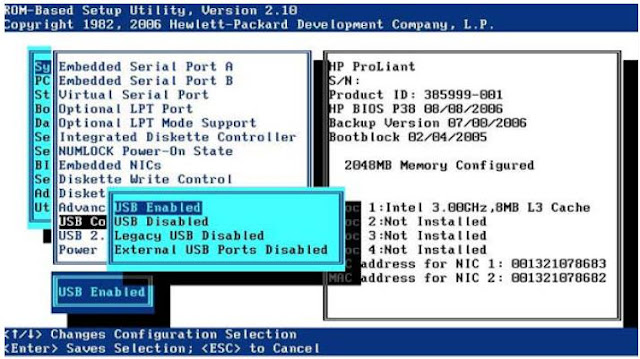
How To: Steps to Boot HP Proliant Server with internal USB flash drive