How To: IE8 High CPU Usage, IE8 Running Slow - Troubleshooting Steps

Slow behavior has something to do with the recovery files that IE8 continually writes at “C:\Documents and Settings\\Local Settings\Application Data\Microsoft\Internet Explorer\Recovery\Active\”

They have names like:

.dat  -- {0E133027-5389-11DF-8A21-001422335927}.dat, etc.

I resolve the issue  by disabling “ Enable  automatic crash recovery” option from:
Tools-->Internet Options--> Advanced (tab)-->Browsing (section) ….

image

image

Comments

Popular posts from this blog

HPONCFG GUI Utility / Tool Download Links - x32 & x64 bit versions, 2003 & 2008 Windows Versions

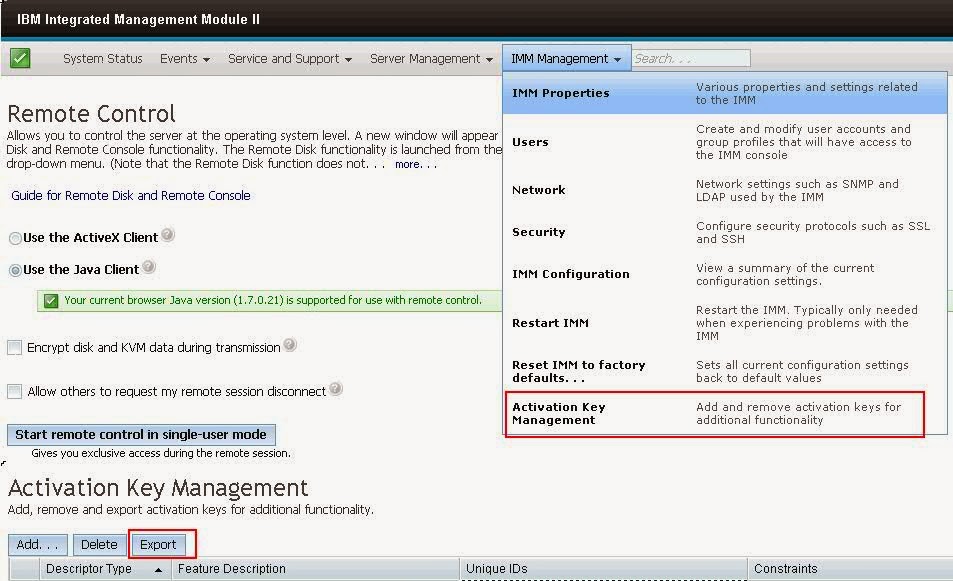
IBM x3650 M4 Series Server Model - Activation Keys Backup to be taken for IMM Moduel II, why?

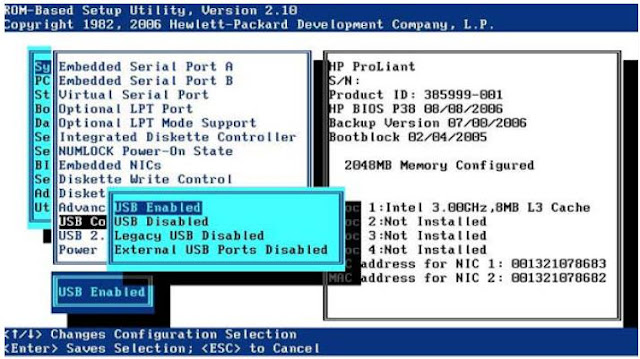
How To: Steps to Boot HP Proliant Server with internal USB flash drive